Control Room
40+ channels on one screen: ER with its trend, views trend, subscriber growth, how much is scheduled, drafted or failed, and when the channel last published. Attention flags first.
Agencies and media
Agencies and media houses run channels by the dozen. AwrAiter keeps them on one screen: which channel has an empty week, which one is losing reach, which post failed and why. Members see only the channels you allow; publishing goes through one service account, so nobody shares a personal Telegram login. Plans go from three channels to two hundred.
01 — How it works
Paste each channel link, add @awraiter_bot as an admin and press Check; the AwrAiter service account joins with posting rights. Clients keep ownership; you get the seat at the desk.
Each member is limited to the channels you choose. A freelancer sees two channels; an editor sees the client's five; billing stays with the owner.
The calendar shows every channel's slots side by side, in each channel's own time zone. Filter by channel; open a post to move it.
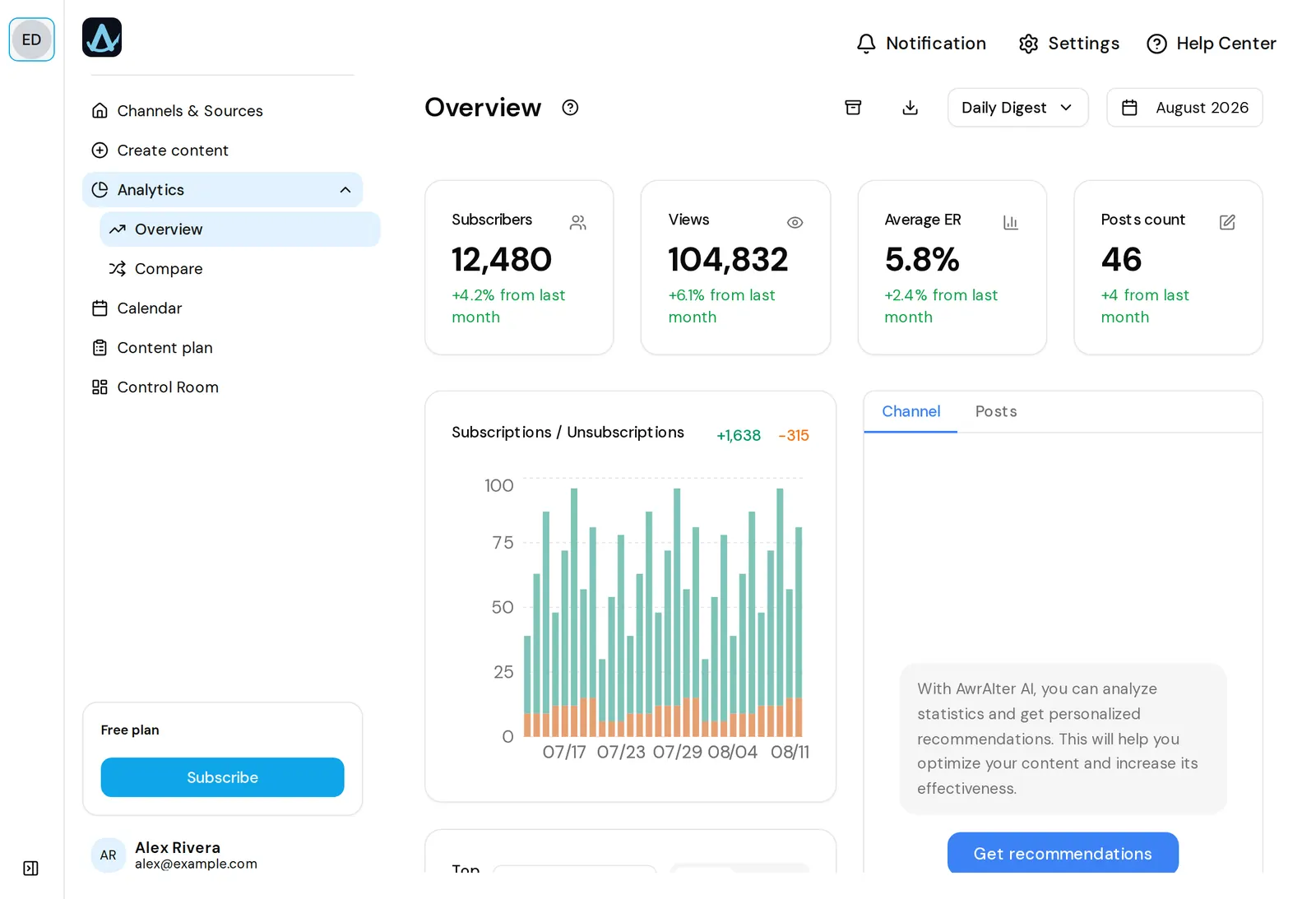
Channels that need attention come first: a failed post, an empty queue, a channel gone quiet. Next to each one: ER with its trend, views trend, subscriber growth.
02 — What you get
40+ channels on one screen: ER with its trend, views trend, subscriber growth, how much is scheduled, drafted or failed, and when the channel last published. Attention flags first.
Members are granted channels, not the whole team. Owner-only billing and settings.
Posts go out through the AwrAiter service account. No shared logins, no personal accounts at risk, revocable per channel.
Each channel keeps its own plan and rubrics; each member connects their own sources, and the plan limit counts the whole team.
XLSX export and a daily export of every channel to the Google Sheet you set for the team — the client report builds itself.
Through MCP the assistant compares channels, finds the ones with empty slots and fills them: “which of my channels have nothing scheduled for tomorrow?”
03 — Plans
Quantities are what the plan buys. Analytics, the calendar, the Control Room and the MCP connector are in every plan, including the free one.
| Plan | Channels | Members | Sources | News per day | Price |
|---|---|---|---|---|---|
| Free | 1 | 1 | 2 | 5 | €0 |
| Solo | 3 | 3 | 5 | 30 | €9 / month |
| Growth | 10 | 10 | 10 | 50 | €20 / month |
| Business | 50 | 25 | 15 | 100 | €50 / month |
| Agency | 200 | 100 | 100 | 200 | €99 / month |
Need 12 channels on Growth? Add channels at €1 a month each, members at €2, instead of jumping a tier.
04 — Questions
Yes. Access is granted per channel; a member never sees channels outside their list, in the calendar, the analytics or through the assistant.
No. Only @awraiter_bot and the AwrAiter service account are admins in the channel. Members work in the panel with their own logins.
Business covers 50 channels for €50 a month, Agency covers 200 for €99. Both add members, sources and daily news accordingly.
Invite them as a member scoped to that channel. They see its calendar and analytics, nothing else.
Remove the channel; the service account's admin right can be revoked on the Telegram side at any time. History stays in your exports.
Start with one channel free, add the rest when the team is ready. No card until then.