Any site, any channel
Sources are web pages with articles and public Telegram channels. No feed to configure.
Auto news
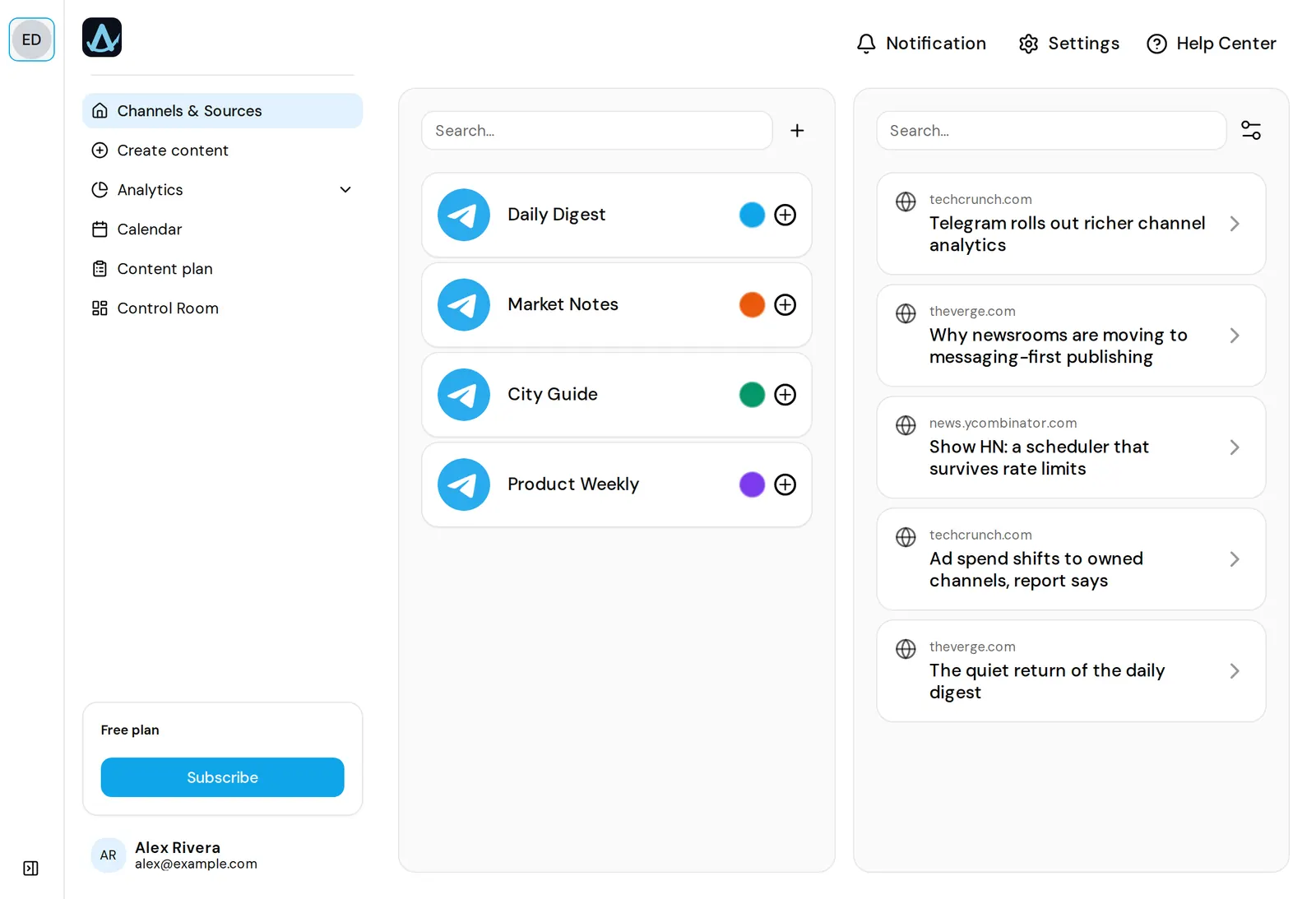
Add the sites and channels you read as sources. AwrAiter collects new items around the clock, translates the headlines, rewrites an item into a short post with the source link when you open it, and puts the drafts where your team works — the feed and the content plan. You approve, the post goes out at its slot and gets verified. RSS is not required; a site with articles is enough.
01 — How it works
Paste a site URL or a Telegram channel link. Two sources are free; paid plans add more (table below). The scraper runs on our side — nothing to install.
Headlines arrive translated into your interface language. Open an item and it is rewritten into a short post with the link to the source, ready to edit. The original stays one click away.
Bookmark an item as “interesting”, filter the feed to bookmarks, or copy a ready prompt built from it into your own ChatGPT or Claude.
Send a draft to the next free slot of the content plan or pick a time. Publishing waits for approval; with autopilot (beta) the drafts queue themselves, approval stays with you.
02 — What you get
Sources are web pages with articles and public Telegram channels. No feed to configure.
Headlines come in your interface language; open an item and it is rewritten as a short post with the link. The original stays one click away.
When your assistant drafts through MCP, the draft is checked against what the channel already published and against the source text before it lands in a slot.
The feed shows the freshest items up to your plan's daily allowance; older items stay available in full.
Drafts fill empty plan slots; the assistant can do it through MCP: “fill tomorrow's slots from my sources”.
Each published item gets views, reactions and a score against the channel's median — see channel analytics.
03 — Limits by plan
Quantities as billed. Channels and members are the same plans; sources and the daily feed are what grows with them.
| Plan | Channels | Members | Sources | News per day | Price |
|---|---|---|---|---|---|
| Free | 1 | 1 | 2 | 5 | €0 |
| Solo | 3 | 3 | 5 | 30 | €9 / month |
| Growth | 10 | 10 | 10 | 50 | €20 / month |
| Business | 50 | 25 | 15 | 100 | €50 / month |
| Agency | 200 | 100 | 100 | 200 | €99 / month |
Extra channel €1 a month, extra member €2 a month, on any paid plan.
04 — Questions
A draft your assistant prepares through MCP is checked for uniqueness against the channel's recent posts. Either way, publishing waits for your approval, so no duplicate goes out unseen.
Yes — that is the default. Drafts wait in the feed or in plan slots until someone on the team approves them. Autopilot (beta) only queues drafts; it never publishes on its own.
Two sources and five news items a day, with one channel. Paid plans go up to 100 sources and 200 items a day.
No. Give a page with articles; the scraper finds new items itself. Telegram channels work as sources too.
A draft quotes a headline, a short rephrased paragraph and links to the source. Public author data of monitored sources is processed as described in the Privacy Policy.
One channel and two sources are free, no card. The first drafts arrive after the first crawl of your sources.